> For the complete documentation index, see [llms.txt](https://wiki.spiritshop.com.br/portal-bridgestone-b2c/llms.txt). Markdown versions of documentation pages are available by appending `.md` to page URLs; this page is available as [Markdown](https://wiki.spiritshop.com.br/portal-bridgestone-b2c/introduccion/bienvenido.md).
# Bienvenido
Bienvenido al nuevo portal de Bridgestone B2C.
Bienvenido al centro de formación de SpiritShop para el portal de comercio electrónico de Bridgestone. En este centro de ayuda, cubriremos todo el contenido específico que necesitas para dominar la plataforma y navegar por todo el panel de administración de comercio electrónico.
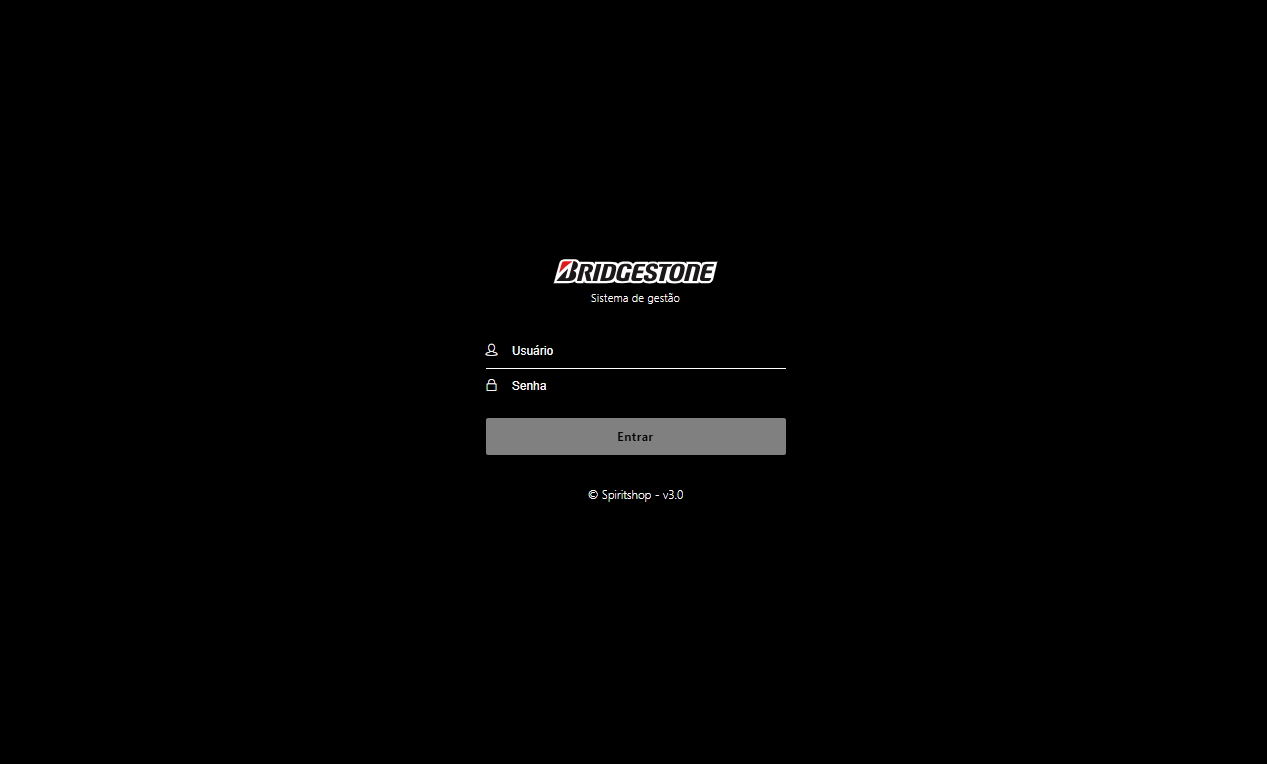
#### Cómo iniciar sesión en el panel de administración
* Introduzca la URL ( ) en su navegador.
* Inicie sesión con sus credenciales de administrador en el panel de control.